From intention to delivery

Prepare your video project

Eight practical pathways connect a project type to decisions, crew roles and preparation documents. Start with the stage you are facing, then use the detailed guides.

Lire ce parcours en français →

Scène illustrative sur livrables diffusion video — AI-generated illustration
AI-generated illustration · fictional scene.

What is your next decision?

Select a format and stage for a focused preparation sheet. This is an editorial planning aid: it does not estimate a budget, book a crew or establish that checks have been completed. Only the selected options appear in the page address.

Choose a project type to focus the preparation sheet, or browse the eight pathways below.

Eight pathways from brief to handover

These methods are written by the site’s editorial team. Adapt them to the project with the people responsible for production. Links to professional families and detailed guides lead to French pages; the planning documents below have English versions.

Corporate film and testimonials

Start with the decision the film should support: understanding an activity, meeting a team or assessing an approach. A testimonial, site visit and brand film call for different production setups. Define a claim that can be supported and identify people who can illustrate it before commissioning footage.
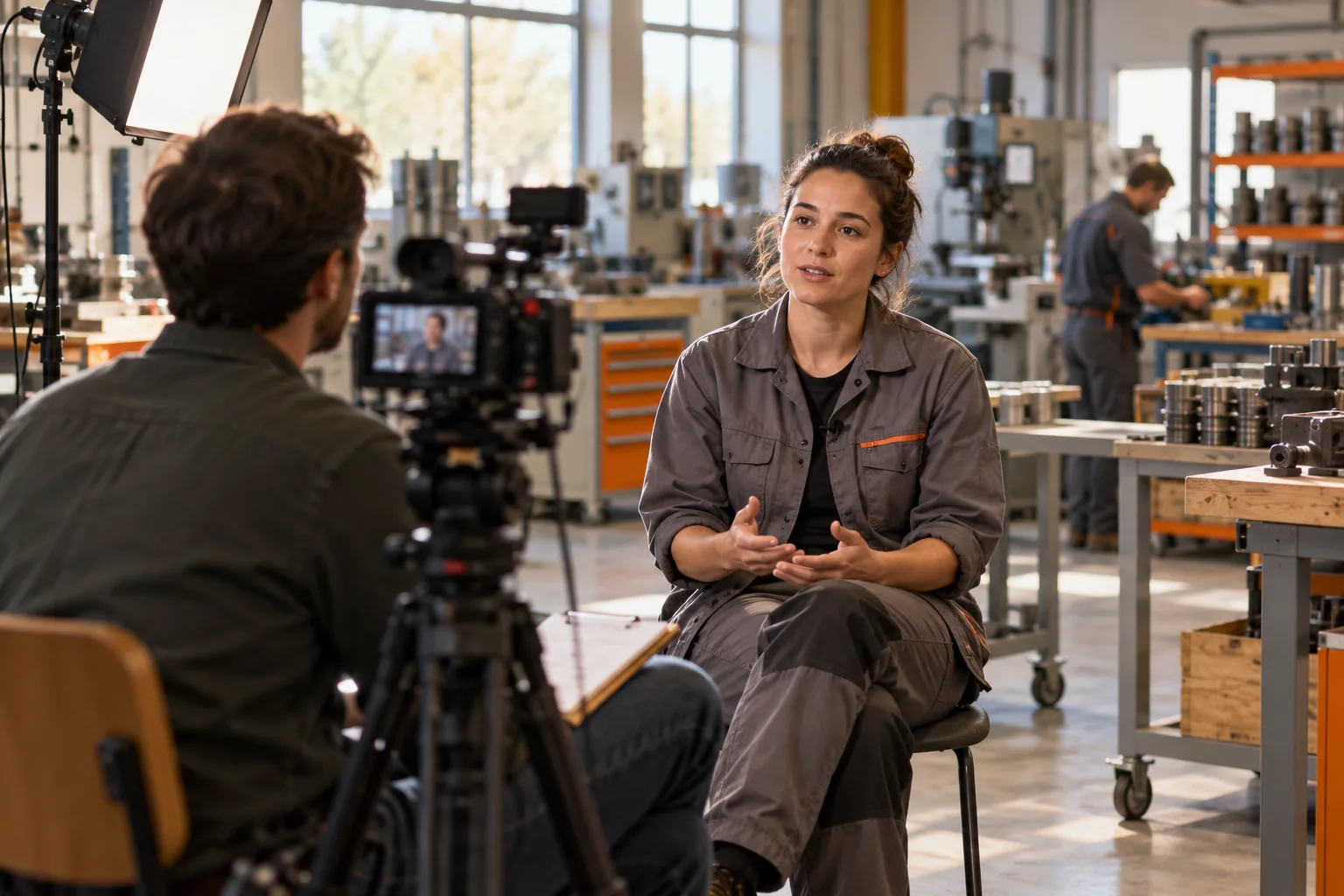
Fictional interview with an employee in a workshop, with camera and lighting
AI-generated illustration of a fictional work situation.
  1. Define the brief

    Write down the key message, audience and evidence to film. Separate established facts, claims requiring review and confidential information. Appoint a subject specialist to check facts and a person responsible for final approval.

  2. Prepare production

    Visit the location during normal operations. Prepare contributors with topics rather than a script to recite. Confirm time slots for filming tasks, conversations and context without disrupting the business.

  3. Review and deliver

    Check every name, job title, figure and graphic in the edited version. Treat the main film and excerpts separately: a sentence taken out of context may change a testimonial’s meaning. Approve the actual exports intended for publication.

Brief the right roles

Consult a production team for the narrative and organisation, then image and sound specialists according to location conditions. A quiet room and suitable microphone may matter more than an extra camera.

Production · Camera and lighting · Sound and music

A useful handover

Approved brief, contributor list, permitted topics, approval schedule and version inventory.

A representative test before scaling up

Edit a short sample with an interview answer, a supporting shot and a title. Ask someone unfamiliar with the service to explain the message without your commentary. Resolve factual and wording issues before making the other versions.

A pitfall to anticipate

Late corporate approval may force a rewrite after filming. Review factual claims and sensitive subjects before interviews. When several departments are involved, appoint one person to reconcile their decisions and send a consolidated set of comments to the editor.

Two acceptance checks

  • Ask a person unfamiliar with the project to explain the message after one viewing, without sharing the brief.
  • Check names, roles and factual claims separately, then review subtitles and framing in every short extract.
Product demonstration

A demonstration answers a practical question: what does the product do, under which conditions and with what limitations? Choose the operation to show before choosing the set. Attractive footage can create interest, but a clear sequence is needed to understand the action and its result.

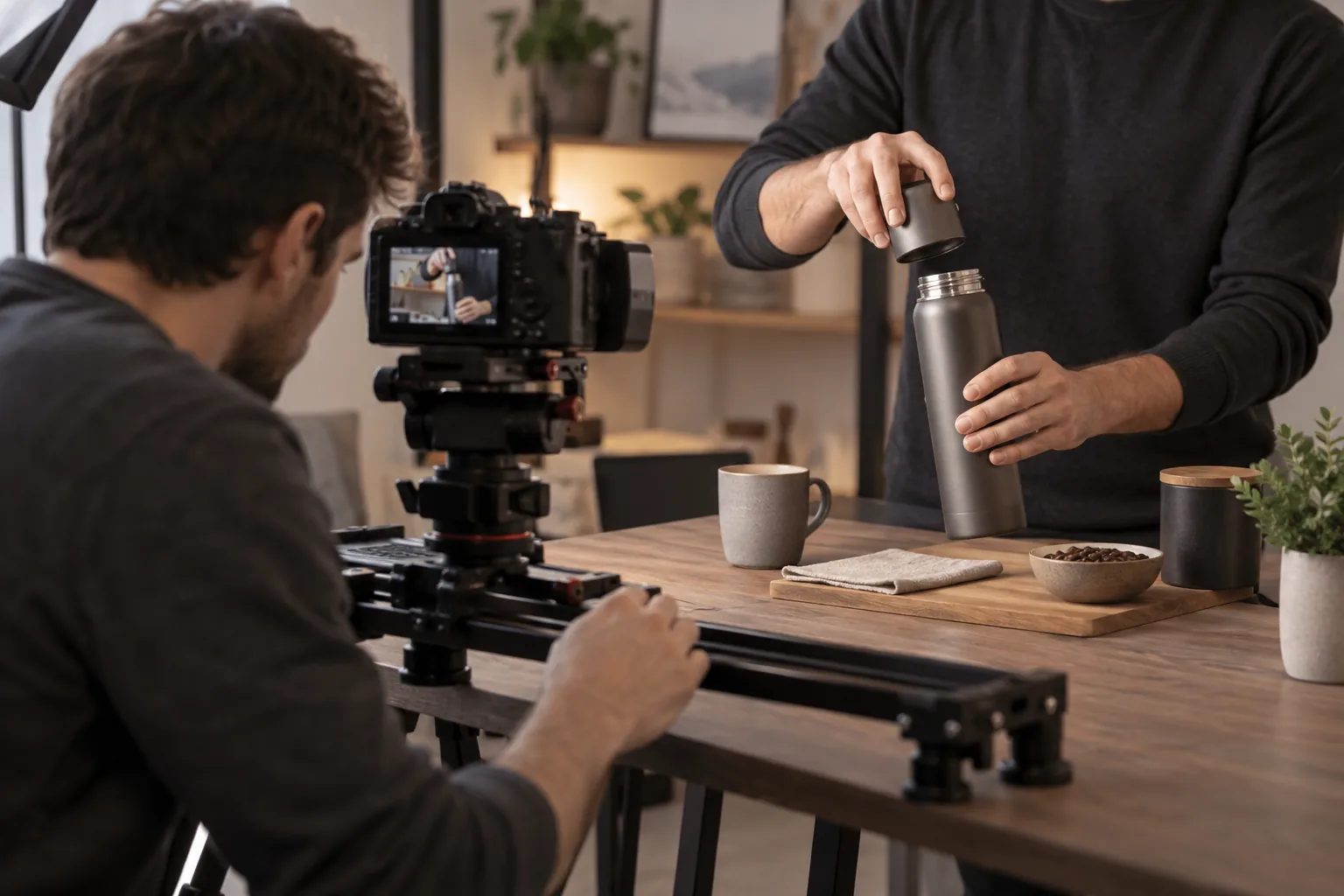
Fictional preparation of a tabletop product demonstration
AI-generated illustration of a fictional work situation.
  1. Define the brief

    List essential operations and the conditions needed for them to work. Identify accessories, consumables, product versions and a qualified demonstrator. The client should approve commercial claims before on-screen text is written.

  2. Prepare production

    Test the operation at its normal speed and from the camera position. Allow for resets between takes, spare parts and detail shots. Check that a vertical frame does not hide a control, measurement or important step.

  3. Review and deliver

    Review captions, measurements and warnings with the product specialist. Check that the image supports the wording. Cuts and accelerated sequences should remain understandable; provide a fuller version where the intended use requires it.

Brief the right roles

Bring together a director and product specialist. A studio can make settings and repetitions easier; a real usage location can show constraints more clearly. Choose according to the evidence needed and the required control over lighting and sound.

Production · Locations and studios · Camera and lighting

A useful handover

Action script, recorded configuration, approved wording and exports checked in each aspect ratio.

A representative test before scaling up

Film one complete action with the actual product supplied for the shoot. Check that the action, its result and necessary labels remain clear in the smallest planned frame. Approve this test before repeating the setup across the range.

A pitfall to anticipate

An edit may hide a necessary step or make a result seem immediate. Record speed changes, repetitions and configuration changes. The product specialist should distinguish a simpler presentation from a change to the way the product actually works.

Two acceptance checks

  • Follow the demonstration in order using the exact configuration and accessories shown.
  • Review close-ups in vertical framing and check that essential instructions do not depend on audio alone.

Event recording and live streaming

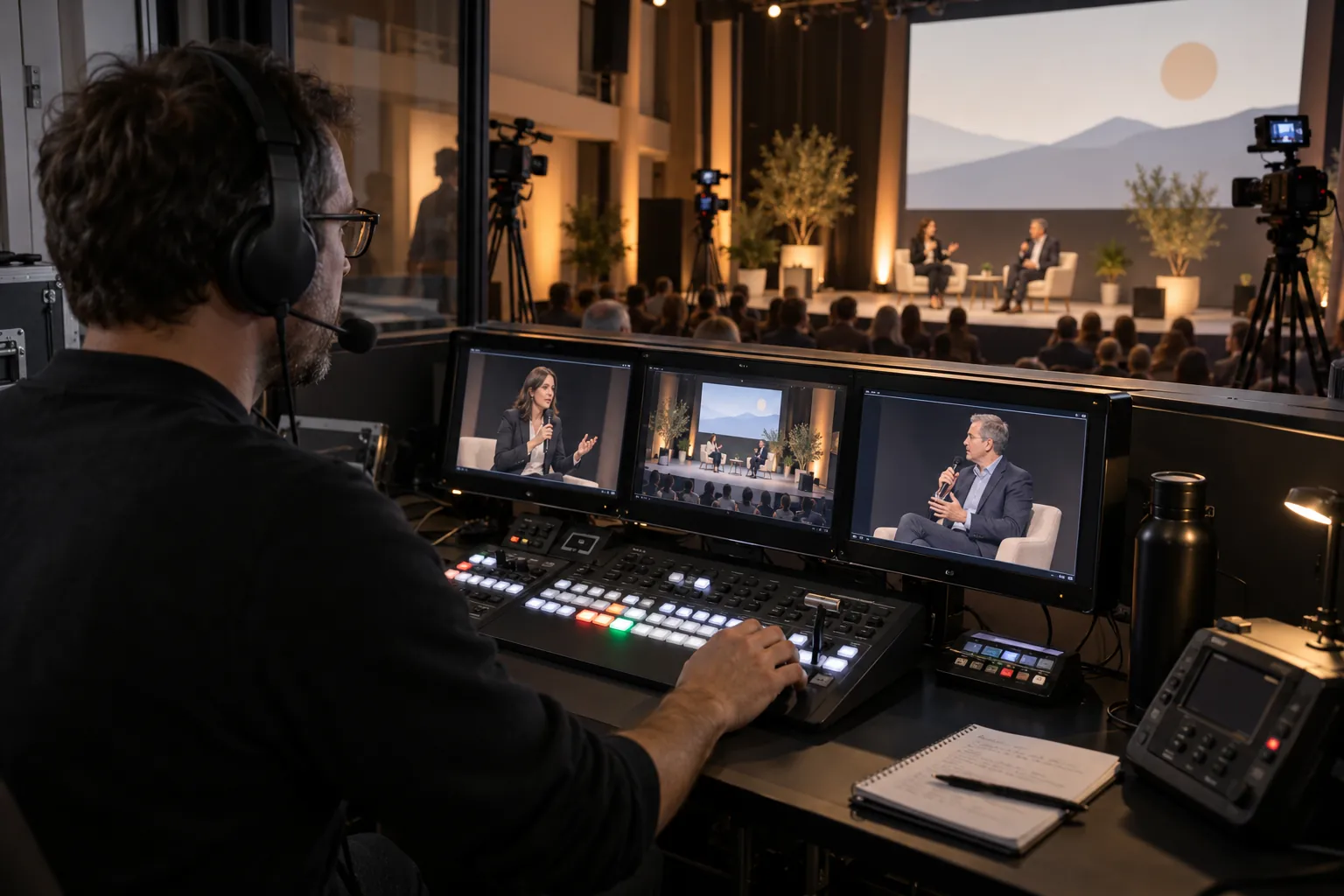
Separate three possible outputs: live stream, full recording and edited highlights. They may require different cameras, permissions, audio arrangements and deadlines. Start with the running order, audience and failure scenarios the crew needs to handle.

Illustration of a multicamera live production control room
AI-generated illustration of a fictional work situation.
  1. Define the brief

    Identify segments, speakers, projected content and moments that cannot be repeated. Define the signals required for the room, platform and recording. Confirm editorial approvals and which material can be broadcast.

  2. Prepare production

    Rehearse with the actual microphones, slides and streaming accounts. Measure upload speed from the control position. Test audio monitoring, synchronisation and local recording; assign the decision to switch to a fallback to a named person.

  3. Review and deliver

    Review the entire recording before committing to a replay. Document interruptions and segments to replace or remove. Highlights may need separate editing, captions and permissions: define them as a distinct deliverable.

Brief the right roles

Consult production, image, sound and distribution specialists. Clarify responsibilities between the venue’s control team and the supplier; an available audio feed does not guarantee a mix suitable for remote viewers.

Camera and lighting · Sound and music · Distribution and media

A useful handover

Versioned running order, signal plan, fallback procedure and recording and replay inventory.

A representative test before scaling up

Rehearse the complete chain: camera source, vision mixer, encoder, platform and remote playback. Listen at the remote end, test the graphics and deliberately disconnect a source during rehearsal to check the agreed backup.

A pitfall to anticipate

A return feed may work while the audience has lost audio, or the reverse. Distinguish outgoing signals, control-room monitoring and actual audience playback. The live producer needs a defined threshold for switching to the backup and a clear decision owner.

Two acceptance checks

  • Rehearse using an independent audience connection, including remote guests and prerecorded videos.
  • During testing, simulate the loss of a non-critical source and confirm the route back to stable operation.

Video podcast and interview series

Plan beyond the first episode: editorial promise, duration, schedule, sound identity and editing rules should be repeatable. Decide whether the audio-only version needs to stand on its own. A visual reaction or on-screen chart may be unclear to someone listening without the picture.

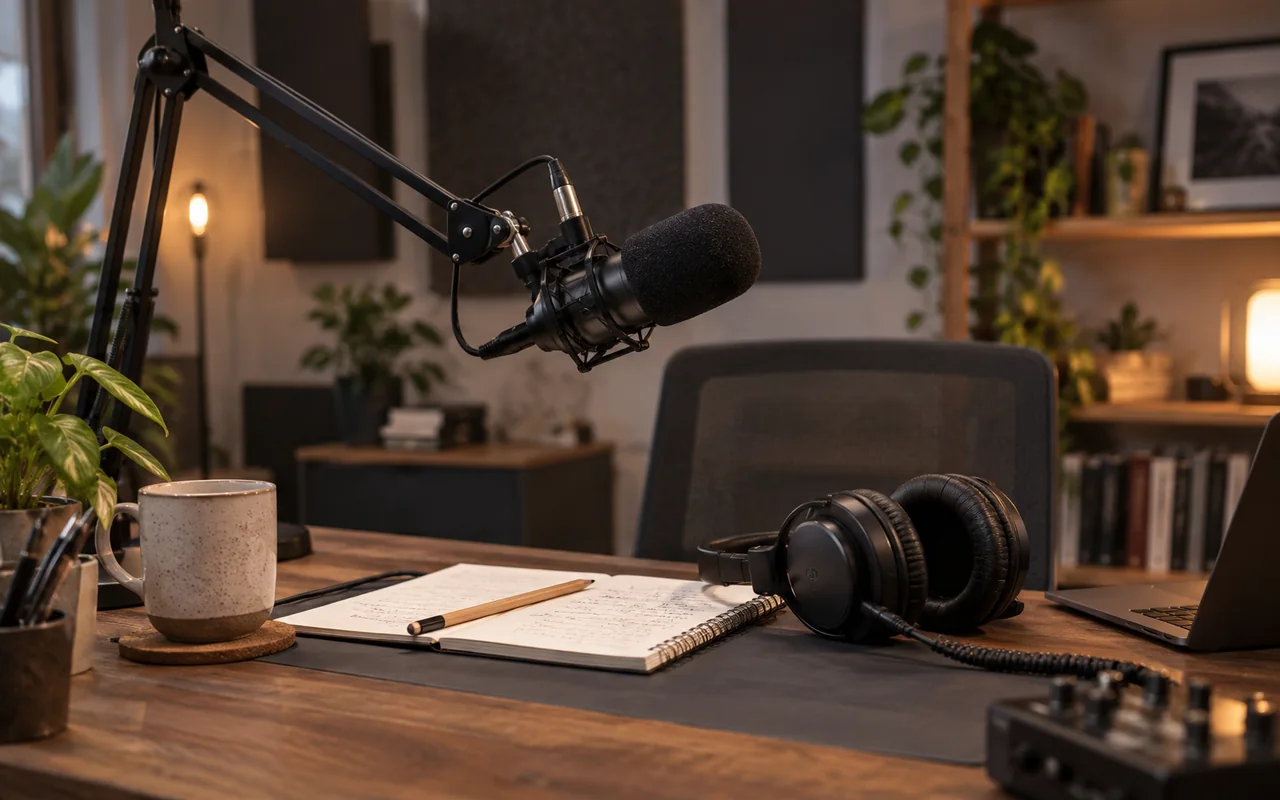
Fictional microphone preparation in a podcast studio
AI-generated illustration of a fictional work situation.
  1. Define the brief

    Define the host’s role, topics and follow-up approach. Build a guest list and shared preparation process. Set the versions needed per episode and appoint the publishing lead so postproduction can be planned accurately.

  2. Prepare production

    Test a full conversation with contributors seated. Check table noise, clothing movement, levels and eyelines. Retain separate audio tracks where the setup allows. For a remote guest, test their environment and recording before the interview.

  3. Review and deliver

    Listen to the episode without the picture as well. Ensure cuts preserve meaning and names are accurate. Review each excerpt and caption file; keep an inventory of episodes, dates, versions and reusable assets.

Brief the right roles

A studio can stabilise acoustics, lighting and set. For a travelling series, prioritise a repeatable method and sound preparation. Distinguish studio hire from production and episode editing.

Locations and studios · Sound and music · Postproduction

A useful handover

Series guidelines, episode running order, labelled tracks, audio and video exports and publishing schedule.

A representative test before scaling up

Record all speakers together using the planned positions and furniture. Listen to each isolated track and then the mix: handling noise, hiss and spill may require a different placement. Include a follow-up question or an interruption in the test.

A pitfall to anticipate

A setup that works once is not enough for a series. Record positions, settings, room sound and set details so the arrangement can be reproduced. Define acceptable variations when a guest has a different voice, height or speaking style.

Two acceptance checks

  • Rebuild the setup from the session notes and compare a sample against the reference episode.
  • Listen without pictures to check speaker identification, intelligibility and useful spoken descriptions.

Documentary and field reporting

A topic is not yet an angle. State the question the shoot will explore, accessible situations and sources needed to avoid a story based only on a few interviews. Planning should allow for the unexpected while protecting participants and collected media.

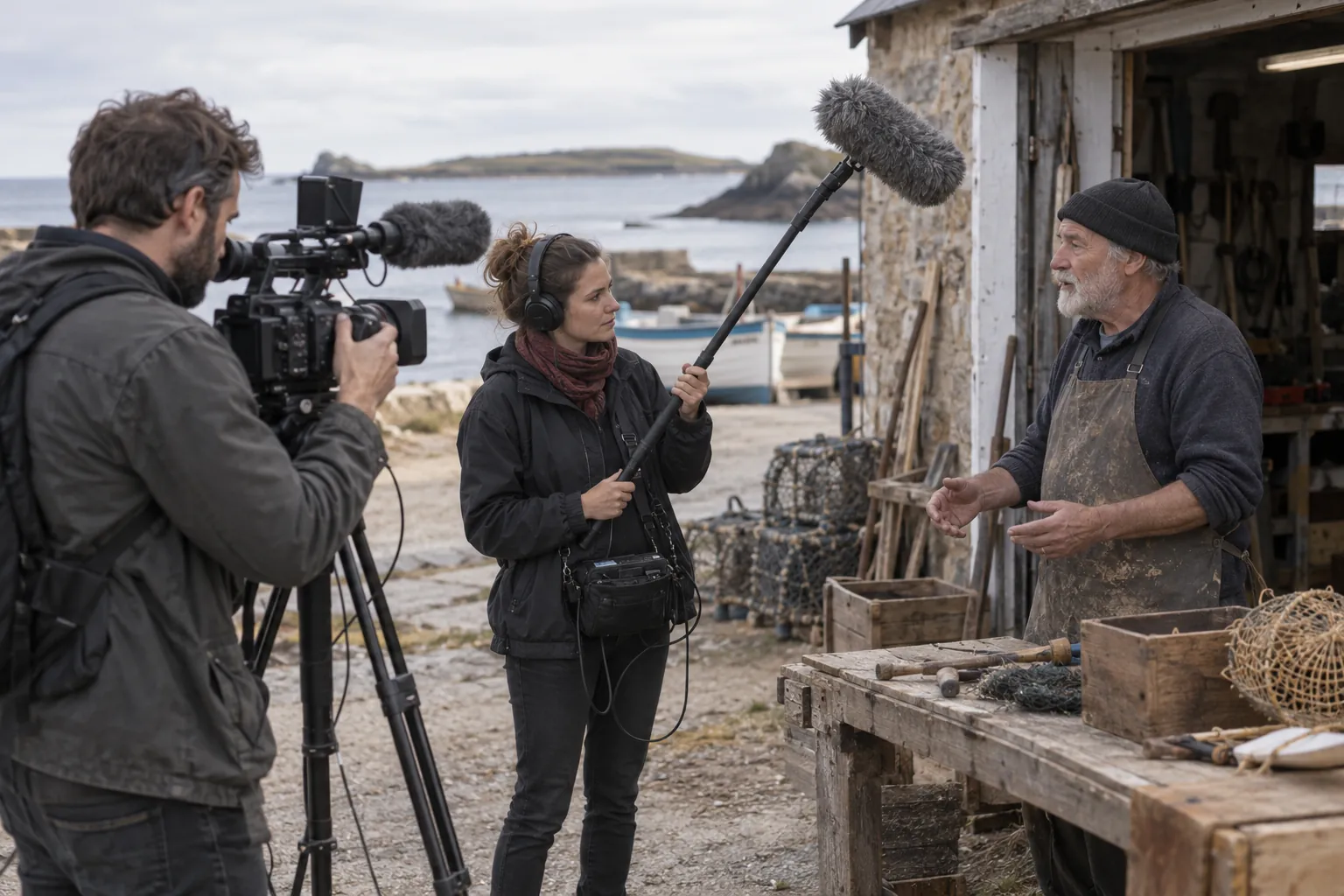
Fictional documentary crew preparing a field interview
AI-generated illustration of a fictional work situation.
  1. Define the brief

    Separate documented facts, hypotheses and testimony. Identify confirmed access and remaining uncertainty. List observable scenes and a way to trace the origin of every archive, document or claim used in the story.

  2. Prepare production

    Adapt the crew and equipment to field conditions and the relationship with participants. Log each day, contributors and agreed restrictions. Organise copies and handovers; a valuable scene is usable only if its media are retained and identifiable.

  3. Review and deliver

    Check facts and the context of statements during editing. Track missing elements before locking the story. Connect each archive and audio asset to its provenance and usage conditions to confirm; prepare the versions requested by the recipient.

Brief the right roles

Choose a crew suited to the terrain and required autonomy. Production prepares access and organisation; involve postproduction early in planning media volumes, transcripts and archive research.

Production · Camera and lighting · Postproduction

A useful handover

Angle statement, field log, media register, sources and outstanding confirmation list.

A representative test before scaling up

Take one rough-cut sequence and trace each factual claim to its original interview, document or observation. Flag disputed points and outstanding permissions. An illustrative image must not serve as evidence of an event it does not document.

A pitfall to anticipate

An archive clip may be accurate yet misleading in an edit if its place, date or subject is misidentified. Keep image references and unresolved questions. Separate factual verification from rights clearance: possession of a copy does not settle permission to use it.

Two acceptance checks

  • Link archive material and sensitive factual claims to identified sources in a verification log.
  • Review sequences where an omission, illustrative shot or interview extract may change the meaning of the context.

Motion design and animation

An animation brief should state what needs designing and what already exists: text, illustrations, brand guidelines, characters or models. Late decisions about the message or duration can affect many scenes. Make approval stages explicit before detailed production begins.

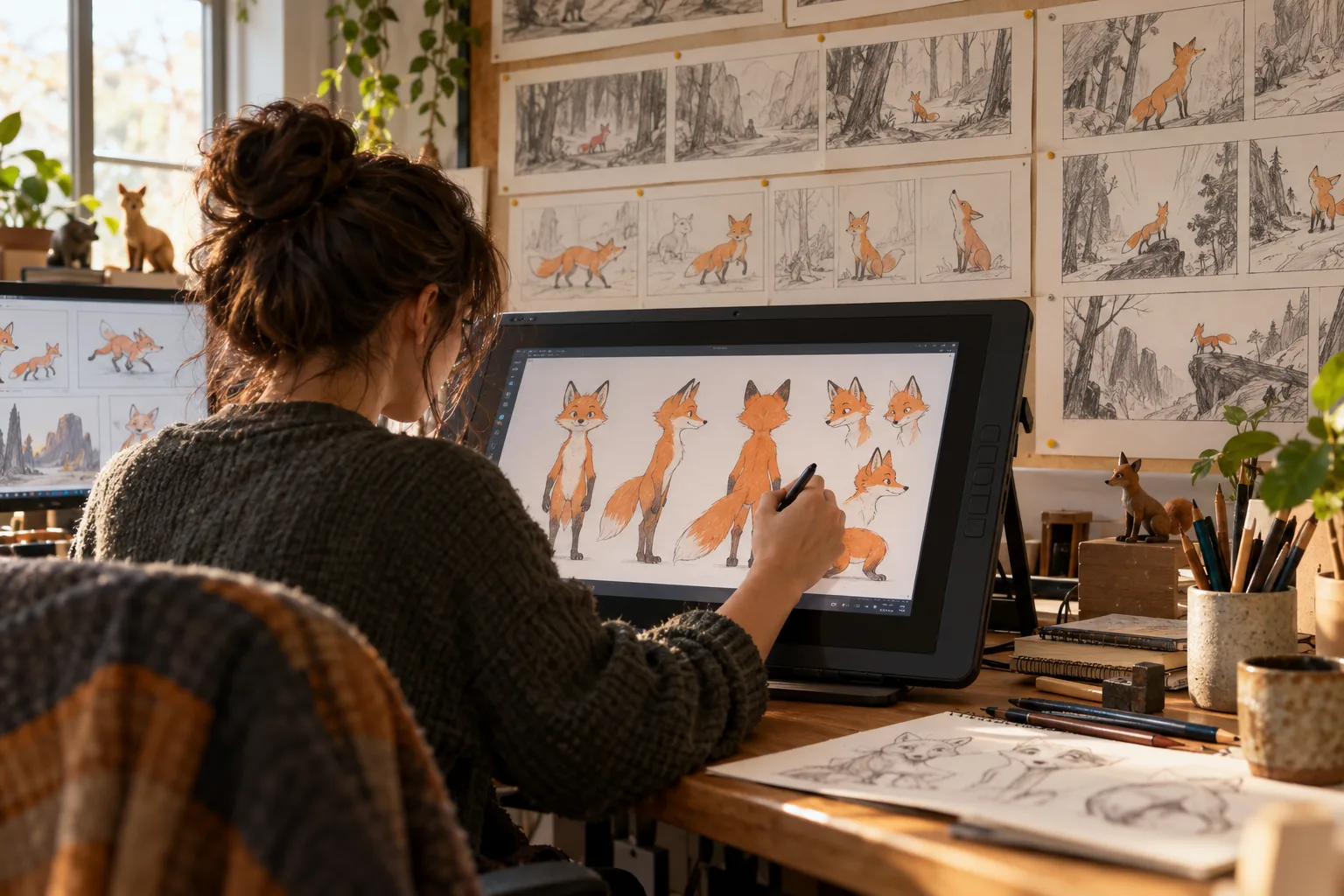
Fictional artist drawing a character and preparing an animation storyboard
AI-generated illustration of a fictional work situation.
  1. Define the brief

    Define the information viewers should understand, priorities and audience. Inventory usable assets and elements to create. Approve the text and a sample visual direction; brand guidelines alone do not describe the desired movement.

  2. Prepare production

    Approve a storyboard, then an animatic showing duration and rhythm before finishing. Separate feedback on content, graphics and movement. Decide which stages constitute approval and how changes after approval will be quoted.

  3. Review and deliver

    Check wording, voice, synchronisation and readability in the final format. A vertical version may require recomposition. Define exports and any source elements to be handed over, including resources needed to resume the project later.

Brief the right roles

Consult a creative or postproduction studio according to the design scope. State whether illustration, animation, voice and music belong to one commission or are handled by different contacts.

Production · Postproduction · Sound and music

A useful handover

Approved text, visual references, storyboard, approved animatic and agreed export and source inventory.

A representative test before scaling up

Approve a sample combining movement, voice, text and a transition. A still styleframe cannot demonstrate timing or readability in motion. Check the sample in the most demanding aspect ratios and languages before producing the next sequences.

A pitfall to anticipate

Changing the intention during animation may require reworking several completed stages. Define what is approved at script, storyboard and animatic stages. Late requests should identify the affected shots and their consequences for sound, editing, languages and exports.

Two acceptance checks

  • Review the animatic with the intended voices and timing, and record pacing decisions before production.
  • Approve a representative shot, its graphic assets and rendering approach before making the full set of shots.

Fiction and staged scenes

For a short fiction or staged commercial scene, turn the script into practical requirements: people, locations, props, costumes, effects and continuity. Creative preparation and organisation come together in a workable schedule that accounts for difficult scenes and the people needed.

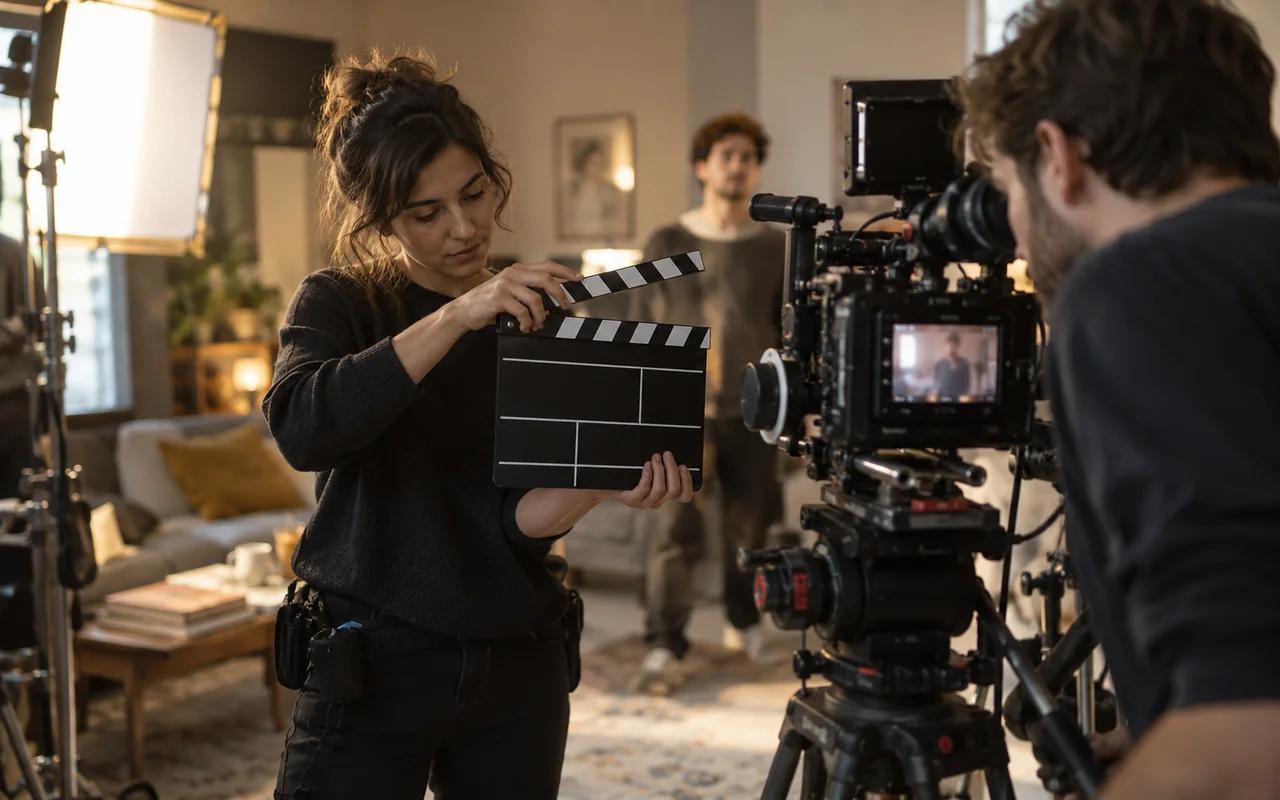
Illustration of a slate and camera for a fiction take
AI-generated illustration of a fictional work situation.
  1. Define the brief

    Break down scenes and identify dependencies: cast, set, lighting, props and effects. Flag sequences requiring specialist preparation. Compare creative choices with budget and access conditions before confirming bookings.

  2. Prepare production

    Coordinate technical scouts, tests, rehearsals and set preparation. Circulate a versioned call sheet with calls, access and contacts. Send changes to affected departments; a different prop or costume can affect continuity between shots.

  3. Review and deliver

    Organise the handover of rushes, reports and continuity references. Check that editing has the necessary elements before sets are dismantled or costumes returned. Decide pickups and finishing needs from the film’s requirements and keep a delivery version inventory.

Brief the right roles

Consult production, casting, image and set or costume departments according to the script. Special effects and scenes involving risks require specific preparation with competent specialists.

Production · Sets and costumes · Camera and lighting

A useful handover

Script breakdown, shooting schedule, current call sheet, continuity references and media reports.

A representative test before scaling up

Shoot a test combining performance, movement, lens, costume and lighting. Review it with the director and postproduction team to assess movement rendering and continuity. Record settings and conditions so the intended look can be reproduced.

A pitfall to anticipate

A change to coverage can affect performance, prop and lighting continuity even on the same set. Share changes between directing, script supervision, camera, sound and the art departments. Continuity photos need clear scene and take references.

Two acceptance checks

  • Assemble a short sequence to check gestures, props, screen direction and sound continuity.
  • Compare camera reports, sound reports and script notes so selected takes can be identified unambiguously.

Finish, translate and deliver an existing film

A finishing job starts with the available assets: edited film, editing project, rushes, audio tracks, graphics and subtitles. Receiving a video file does not mean a voice can be changed, music isolated or a title embedded in the picture translated. Inventory assets before agreeing a deadline.

Illustration of file checks before delivery
AI-generated illustration of a fictional work situation.
  1. Define the brief

    List final versions and destinations. Examine received assets, links and gaps. Separate technical repair, re-editing, mixing, translation and graphic recreation; each may depend on different resources and its own approval.

  2. Prepare production

    Test a representative sequence: opening the project, relinking media, extracting wording and exporting. Arrange language approval with a competent reviewer. Lock the reference edit and organise feedback by version, filename and timecode.

  3. Review and deliver

    Check delivered files in their intended player or distribution chain. Review picture, sound, captions, naming and version associations. Keep a log of issues and corrections; prepare an archive with an inventory identifying the version actually accepted.

Brief the right roles

Consult postproduction and sound specialists, then translators and reviewers. Describe existing files and the expected outcome instead of requesting only a format conversion.

Postproduction · Sound and music · Distribution and media

A useful handover

Input inventory, approved reference, feedback log, delivery matrix and documented archive.

A representative test before scaling up

Open a copy of the project in a fresh session and relink media from the delivered folder. Check fonts, plugins, links and reference exports. This distinguishes a copied folder from a project that can actually be resumed with the agreed tools.

A pitfall to anticipate

A last-minute correction may appear in the master but be missing from an extract or subtitled version. Revisit the version matrix after every replacement. Identify superseded exports and send an explicit list of the files forming the accepted delivery.

Two acceptance checks

  • Play the exported files rather than only the editing sequence, including the expected audio and subtitle tracks.
  • Check every filename against its version, language, framing and intended recipient.

Connect preparation, suppliers and delivery

Send the same brief to each prospective supplier. Compare what is included, dependencies, working language, approval stages and delivery requirements. Published directory entries describe available information, not guaranteed availability or a recommendation.

Compare quotation scope (French) · Search the French directory · Organise delivery versions (French tool)

Editorial update: 29 October 2026. About the editorial team (French).

Image geometry

How much of the shot survives a new aspect ratio?

Compare a centred crop with the full source frame before planning your versions. This diagram uses square pixels and does not analyse a video.

Source frame / Retained areaFor a 3,840 × 2,160 source cropped to 9:16: 1,215 × 2,160 pixels are retained, or 31.64% of the original area.
Illustrative centred crop: the orange area is retained; the rest is removed.

For a 3,840 × 2,160 source cropped to 9:16: 1,215 × 2,160 pixels are retained, or 31.64% of the original area.

Calculated examples for a 3,840 × 2,160 source
Aspect ratioRetained rectangle (pixels)Source area retained
16:93 840 × 2 160100.00 %
9:161 215 × 2 16031.64 %
1:12 160 × 2 16056.25 %
4:51 728 × 2 16045.00 %

If the source is wider than the target ratio, retain the full height and multiply it by the target ratio to find the crop width. Otherwise retain the full width and divide it by the target ratio to find the crop height.

For example, the 1,215 × 2,160 crop can then be resized to 1,080 × 1,920. Adding bars instead preserves the full shot in the target frame.

These are theoretical dimensions before resizing. An encoder may require even dimensions or other alignment. Anamorphic pixels and embedded black bars require separate interpretation. The crop position, subject movement, captions and interface overlays need a visual review.

Calculations stay in your browser. No video upload is needed. With JavaScript disabled, the examples and formula remain available.

FFmpeg: crop dimensions and pixel aspect ratio ↗ · French guide to delivery formats →